Start with a food chat.
Describe your meal to a connected AI assistant. Start with ChatGPT, or log food right in SayPlate.
 SayPlate
AI food logging for Apple Health
SayPlate turns food chats into meals you can review and save. Use a connected AI assistant, then sync the nutrition to Apple Health through SayPlate on your iPhone.
You approve the meal. You choose what SayPlate writes to Apple Health.
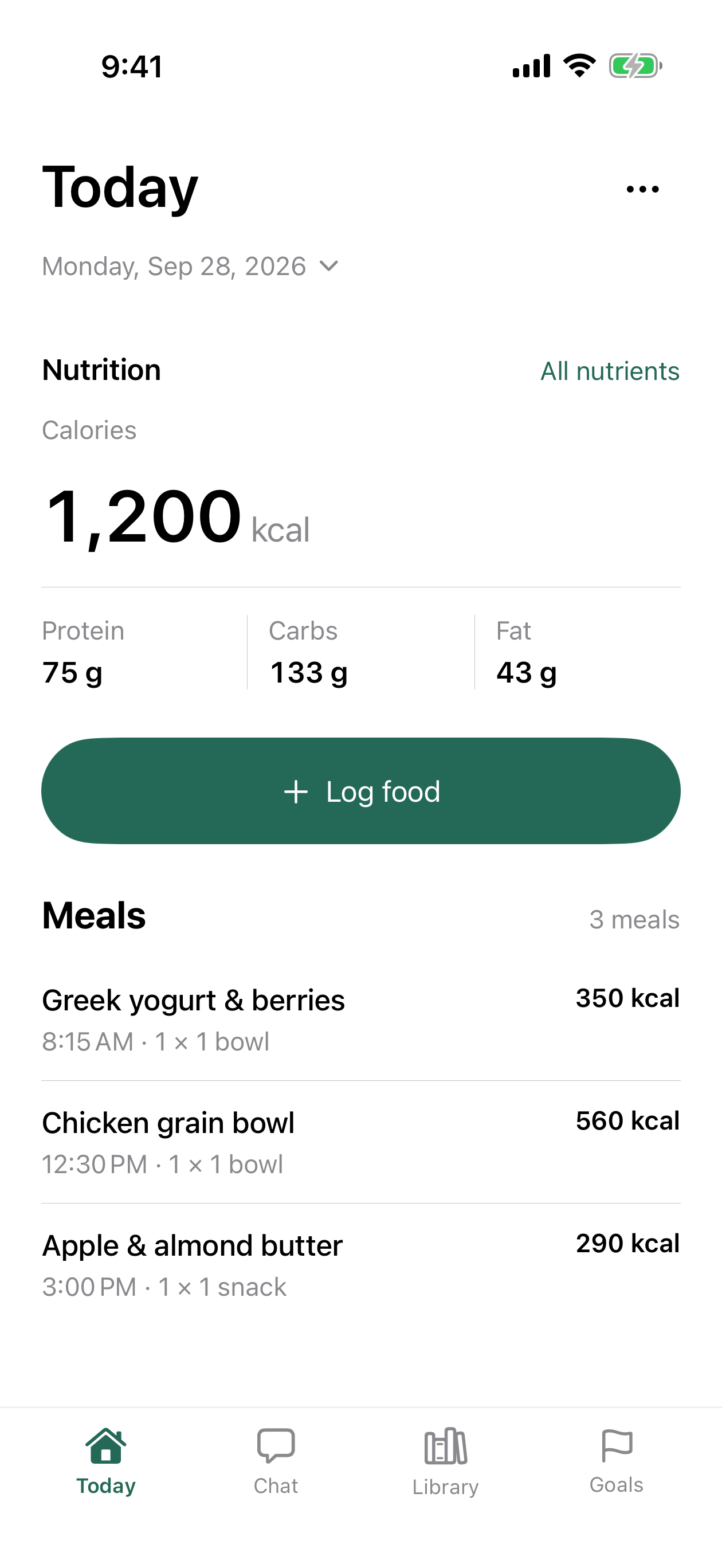
From your food chat to your food log
SayPlate connects the conversation to a saved food record. Your serving, nutrition sources, and eating time stay with the meal, so you can review the details before you sync.
Requires a linked AI connection, the SayPlate iPhone app, and Apple Health write permission. Sync completes on your iPhone.
Describe your meal to a connected AI assistant. Start with ChatGPT, or log food right in SayPlate.
Check the serving, eating time, and nutrition sources. Make a change before the meal becomes part of your log.
Allow SayPlate to write the nutrients you choose. Your iPhone syncs the saved meal to Apple Health at the time you ate.
A few useful answers
A connected AI assistant helps you create a meal in SayPlate. You review the serving, nutrition, and time before saving. The SayPlate iPhone app writes the saved nutrition to Apple Health when you allow access and sync the meal.
No. Apple Health permission stays with SayPlate on your iPhone. The AI connection uses your SayPlate food log; it does not get direct access to your Apple Health records.
SayPlate has a ChatGPT connection for food logging. You need a linked SayPlate account and access to connections in your AI app. A Claude connection is not currently available. See the AI connection page for details.
SayPlate keeps missing values unknown. You can review the sources and change the details before saving. Apple Health receives known values that you have allowed SayPlate to write.